
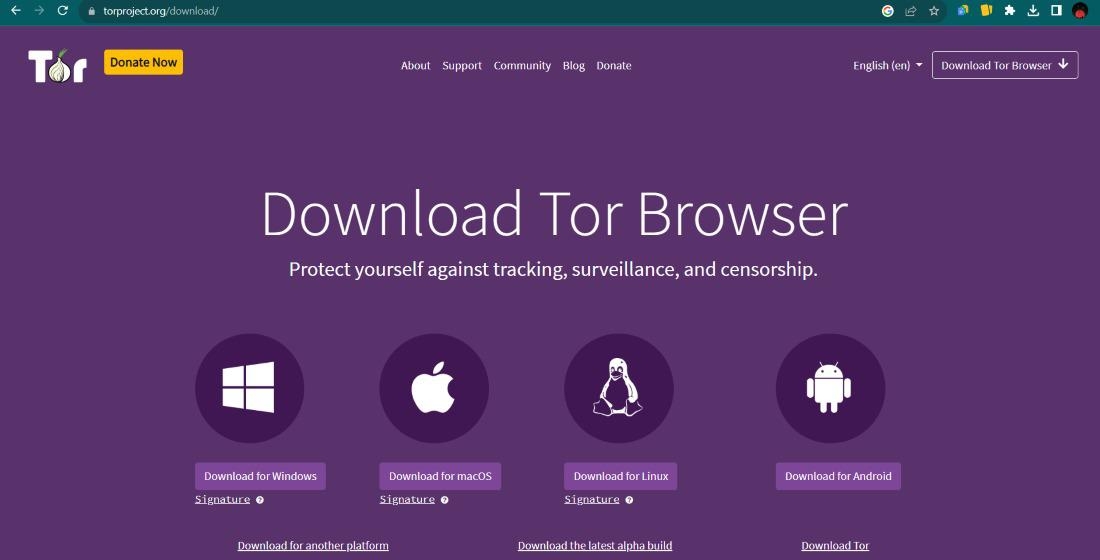
Did you know that even if you hide your internet traffic inside an encrypted tunnel, the mere fact that you are using that tunnel can sometimes be visible to those watching the network? Many people believe that turning on a Tor bridge makes them completely invisible to everyone, from internet service providers to state actors. While these tools are incredibly powerful for bypassing censorship, they are not a magical cloak that removes every possible risk to your digital footprint. Understanding how these entry points function is the first step toward staying truly private.
You use a bridge when your local network tries to block the standard Tor entry nodes - these bridges act as unlisted gates into the network, making it harder for a firewall to see that you are connecting to a private system. The technology is only one part of the equation. If you misconfigure your software or display unique browsing patterns, you might still leave a trail that leads back to your real world identity. We are going to look at how the leaks happen and what you can do to prevent them.
How Bridges Protect Your Connection
Standard Tor relay addresses are public knowledge, which means a simple filter can block them all right away. Bridges solve this - remaining unlisted in the main directory. When you use one, you are essentially taking a side entrance that the person monitoring the main gate doesn't know exists - this is especially helpful if you live in a region where the government or an employer actively monitors and restricts web access.
The system works - changing how your data looks as it travels across the wire. Instead of looking like encrypted Tor traffic, modern "pluggable transports" make your data look like regular web browsing or even random noise - this obfuscation is the primary defense against deep packet inspection. It is important to remember that the bridge is just the first stop - once you are inside, your data still hops through multiple other servers before reaching its destination.
To get the most out of these tools, you should consider these points
- Always use the most recent version of the Tor Browser to ensure your pluggable transports are up to date.
- Select a bridge type that matches your specific network environment, like obfs4 or Snowflake.
- Avoid sharing your private bridge addresses with others, as this increases the chance of the address being flagged and blocked.
Where Security Walls Might Show Cracks
A bridge rarely "leaks" in the sense of a pipe bursting - Instead, leaks usually happen because of how your computer interacts with the bridge. For instance, if your browser suffers from a WebRTC leak, your real IP address might be sent out through a secondary channel, bypassing the bridge entirely - this isn't a failure of the Tor network itself but rather a vulnerability in the software you use to view websites.
Another risk involves "traffic analysis" If an observer can see both the data entering the bridge from your house and the data exiting a relay somewhere else at the exact same time, they might use statistical math to guess that both streams belong to you. While bridges make this much harder - hiding the entry point, they cannot stop an adversary who has a birds eye view of large portions of the global internet infrastructure.
Smart Habits for Anonymous Browsing
Your behavior often matters more than the specific bridge you choose. If you log into your personal social media account while using a bridge, you have effectively linked your hidden connection to your real name. No amount of encryption can fix a mistake in personal judgment. You should treat your browsing sessions as separate "identities" that never touch your real life data or accounts.
It is also wise to keep an eye on how your system handles DNS requests. Even with a bridge active, your computer might try to ask your local provider for the address of a website - this is known as a DNS leak. You can prevent this - ensuring your browser is set to route all requests through the proxy. For those who want a deeper explanation of anonymous browsing, looking into how different operating systems handle network traffic is a great place to start.
Those are three quick ways to tighten your security
- Never maximize your browser window, as this can reveal your screen resolution to websites.
- Disable JavaScript for any site that does not strictly require it to function.
- Use a dedicated operating system like Tails if you need the highest level of protection.
Navigating Network Resources Safely
Once you are safely connected through a bridge, you might want to explore the internal parts of the network - this is where directories and marketplaces come into play. It is vital to use trusted sources when looking for links, as the web is full of fraudulent sites designed to steal your credentials or infect your machine with tracking software. Always verify the addresses you visit from multiple independent sources.
Many users find that an overview of Tor network systems helps them understand which sites are safe to visit and which should be avoided. As an example, if you are looking for specific platforms like the Piranha Market, you must ensure you have the correct, verified Onion link to avoid "man-in-the-middle" attacks. Being cautious about where you click is just as important as the bridge you used to get online.
Using a bridge is a proactive step toward digital freedom - By combining the right technology with smart browsing habits, you significantly lower the chances of your identity being exposed. Stay curious, stay updated and always prioritize your privacy over convenience. If you are looking for more general information on the topics, you can find various secure internet navigation concepts through community driven privacy hubs.
FAQ
Can my ISP see what I am doing if I use a bridge?
No, your ISP can only see that you are sending data to a specific server. If you use a pluggable transport like obfs4, they might not even be able to tell that the data belongs to the Tor network. They cannot see the websites you visit or the messages you send.
Do bridges slow down my internet speed?
Yes, because your data has to travel through extra steps and undergo encryption, you will notice a decrease in speed compared to a direct connection. For most text based browsing and basic communication, the speed is usually sufficient.
Are bridges legal to use?
In most countries, using privacy tools is perfectly legal - However, some regions have strict laws regarding encryption and censorship bypass. You should always be aware of the local regulations in your specific area before connecting.
Is a bridge better than a VPN?
They serve different purposes - A VPN hides your traffic from your ISP but requires you to trust the VPN provider. A bridge is part of a decentralized network where no single entity knows both your identity and your destination. Many people use both together for layered protection.

 English
 French
 Spanish
 Portuguese
 Deutsch
 Turkish
 Dutch
Dutch
 Italiano
 Russian
 Romaian
 Portuguese (Brazil)
 Greek
Greek